Lucas
Lucas Mathis
Guide · AI executive team
Seraf’s CTO advisor: tools, integrations and access security
The CTO advisor is the seat on Seraf’s Council that looks after your business’s technical health: tools, dependencies between systems, old workarounds and launch readiness. It flags an incident, a blocker or a risk before a change, then recommends an order of action. It deploys nothing, changes no system in production and grants no access. You decide and you confirm.
 This guide goes deeper into AI executive team for your business: the complete guide
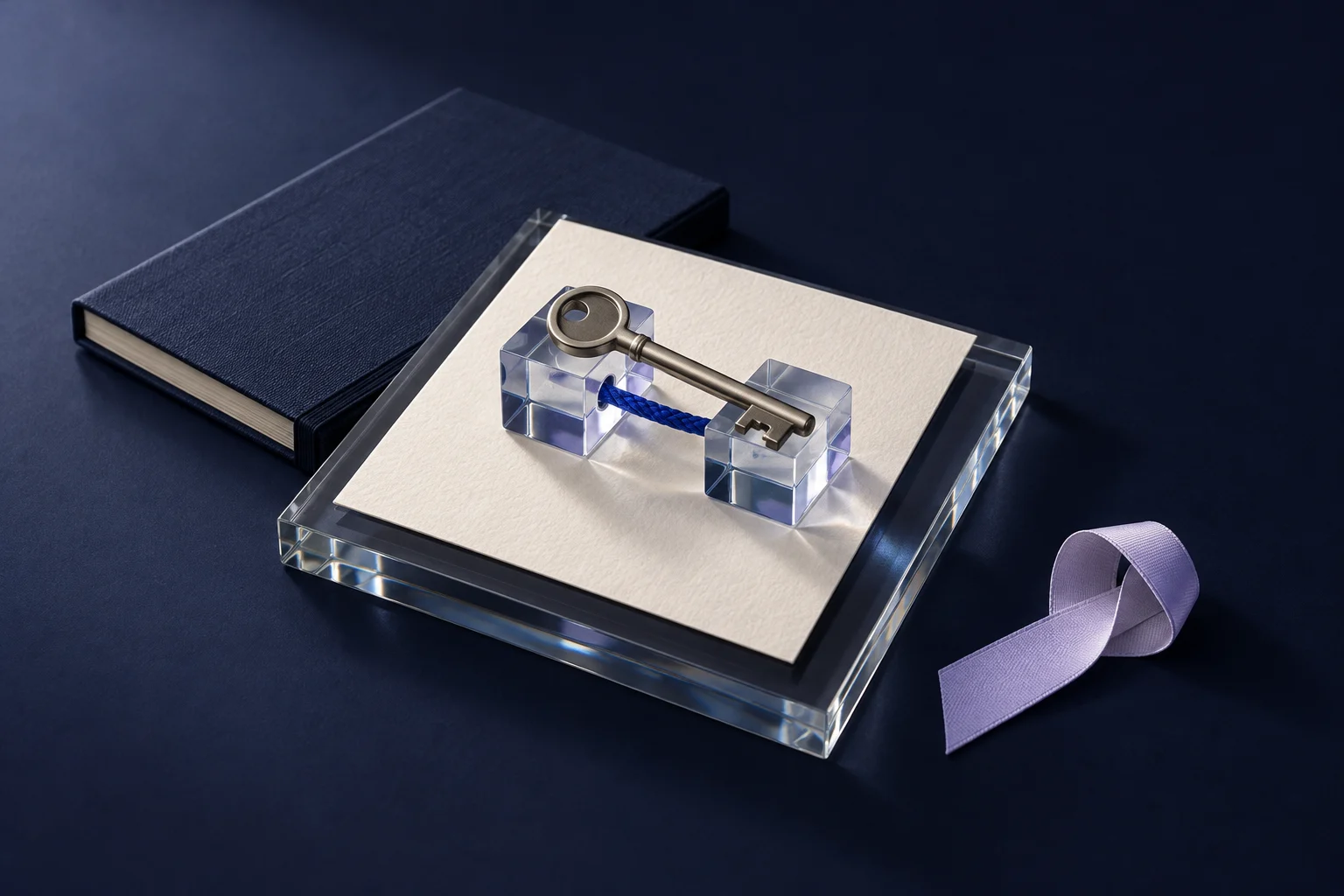

This seat is part of the virtual executive team described in the guide An AI executive team for your company, and the Executive team page presents the Council’s other roles. This article explains what the CTO advisor looks at, how connecting Google Workspace or Microsoft 365 is set up in Serafex, and how to protect your team’s access. The examples follow a fictional six-person print shop.
What the CTO advisor watches in your company
Many companies, starting with businesses, have no chief technology officer. They often have an owner who opened the accounts, an employee who is “good with computers” and a supplier who built the website a few years ago. The CTO advisor brings an overall view of this legacy. Its mission covers technical health, dependencies, technical debt and launch readiness.
Technical debt often takes very concrete forms: a spreadsheet that runs all the invoicing, a website plugin that has never been updated, a personal Gmail address used with clients, a domain name registered in a former employee’s name. None of these is urgent on an ordinary Tuesday. All of them become urgent the day they give out.
The seat aims for three outcomes: launches that are ready before they go live, visible technical risks and clear dependencies between your tools. It watches for four signals: an incident, such as a website that can’t be reached or a broken connection; a defect trend, when the same error keeps coming back in a form; a launch blocker, for example an update waiting for an access; and technical debt that keeps piling up.
The CTO advisor belongs to the Council’s first ring. Like the other seats in this ring, it reviews the situation every morning and stays quiet when nothing important comes up. It relies on the COO advisor, because a tool problem quickly turns into a delivery delay; the guide to the COO advisor and project tracking describes that side. It also works with the Product, website and app function, and with the Quality, language and document control function. For security posture, identity, backups and recovery after an incident, the Council has a separate seat, the CISO advisor, which doesn’t change any access either.
Its decision rights come down to three actions: recommend a technical sequence, flag a launch risk and ask the person responsible for proof that a step is done. Its reserved actions are just as short: no deployment, no production change, no access grant. Seraf presents its recommendation with a reason and a next step. In the morning brief, its recommendations come back to you with the choice to accept, edit, postpone or decline.
Google Workspace or Microsoft 365: how the connection is set up
Serafex connects to either environment. The connection is made in Settings, under Integrations, in the block for email, calendar and storage. A single authorization per account connects your email, your calendar and your storage. The following table sums up what is provided.
| Item | Google account | Microsoft account |
|---|---|---|
| Gmail: read, sort, reply, prepare and send | Outlook email | |
| Calendar | Google Calendar, viewed and changed on demand, with no continuous sync | Outlook calendar |
| Storage | Google Drive | OneDrive |
| Meetings | Meet link added to events | Teams meetings created from the calendar |
| Accepted account | Google account | Work or personal account |
SharePoint, Teams chat and Teams channels are not part of the connection, and Serafex doesn’t connect to Slack. A few rules apply to both environments. Only the main owner of the client account can manage this connection. Only one email provider is active at a time: Gmail or Outlook. The connected mailbox becomes the sender of your newsletters in Loyalty, and the Email space opens once Gmail or Outlook is connected, depending on your account. Seraf can also take notes during a Google Meet or Teams meeting. Finally, Integrations also brings together your website connections, such as WordPress, depending on your project.
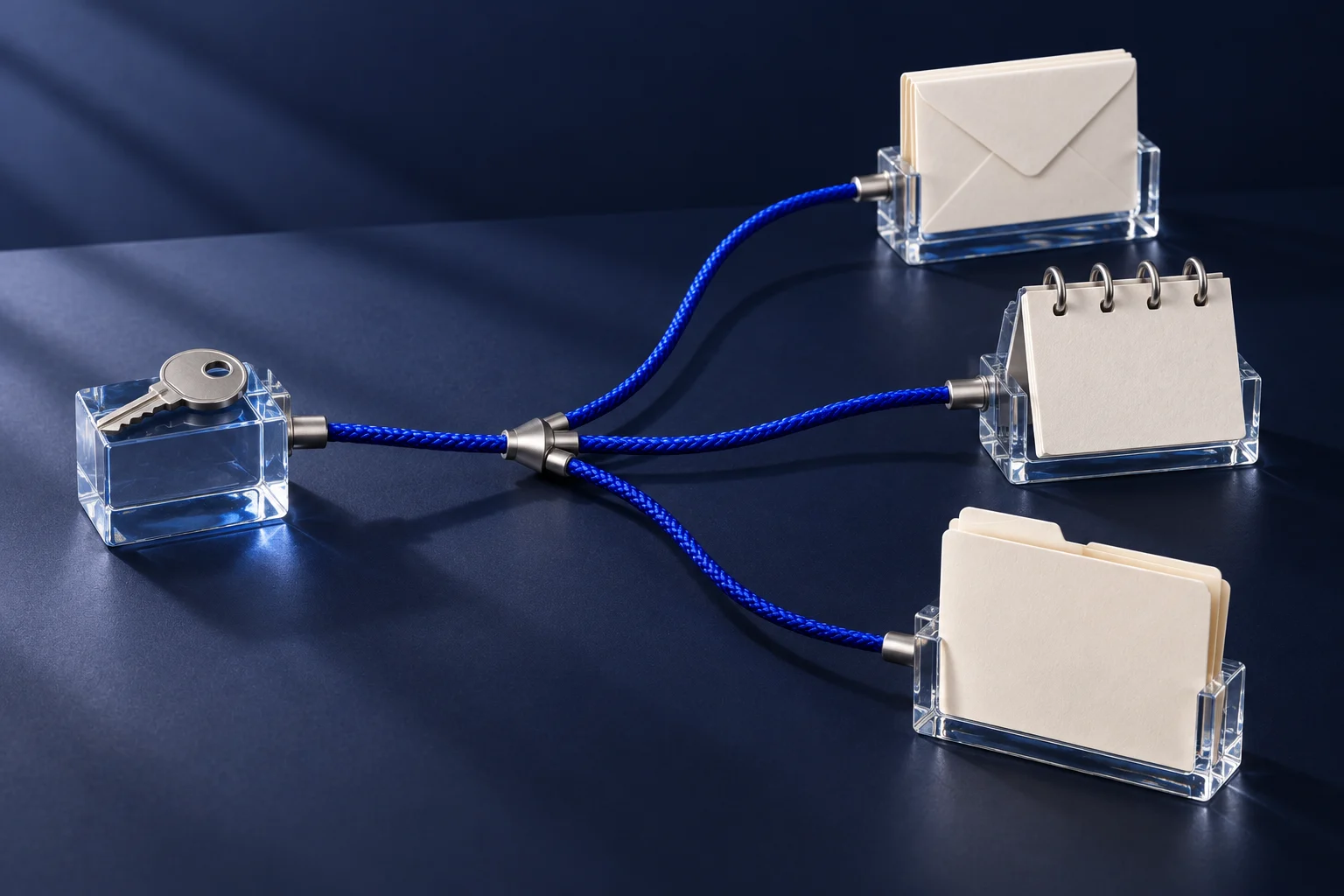
For the CTO advisor, these connections are dependencies. If an account’s authorization is revoked or needs to be renewed, the email, calendar and storage linked to that account are affected together. That is the kind of signal it brings up before a meeting falls through or a message fails to go out.
What protects your access in Serafex
The first protection is confirmation. Seraf acts in your tools and opens the right page to show you what it is doing, but every sensitive action requires your explicit agreement: a deletion, an access change, an approval or a decision, a send, an external integration or an action on the account. The app asks you plainly whether Seraf may take the action, and you either confirm it or leave it for later.
The second protection is the role. Each person in the business has a role in the space (Owner, Administrator, Manager or Employee) and specific rights, granted one by one. When your business uses Google Workspace or Microsoft 365, the Users and access section also provides for reading your directory, depending on your account; any change there requires confirmation.
The third protection comes from the Council itself. The CTO advisor can recommend reviewing an administrator role that is too broad; it can’t grant it or remove it. Welcoming employees and seeing them off also fall to the HR advisor, which doesn’t touch access either. Both seats flag; the authorized person acts.
An access security checklist
The Canadian Centre for Cyber Security publishes baseline cyber security controls for small and medium organizations (new tab). They include two-factor authentication for important accounts, restricting administrator privileges, individual accounts and removing the accounts a person no longer needs. Its page on how to implement access control and authorization (new tab) adds the principle of least privilege and managing the life cycle of accounts.
Google and Microsoft point in the same direction. In its security best practices for administrator accounts (new tab), Google recommends having several super administrators, each managed by a separate person, and not using that account for day-to-day activities. On its page about Microsoft 365 administrator roles (new tab), Microsoft advises having as few global administrators as possible, assigning the least permissive role and requiring multifactor authentication, especially for administrators.
| Control | Why | Concrete check |
|---|---|---|
| One account per person | Know who did what | No shared password for email or the website |
| Two-factor authentication | A stolen password is no longer enough | Turned on at least for administrators and finance |
| Few administrators | Limit the accounts that can change everything | Two trusted people, not the whole team |
| Separate administrator account | Avoid exposing full powers day to day | The administrator account isn’t used for email or browsing |
| Least permissive role | Give the access needed, nothing more | Every right in Serafex matches a real task |
| Removal on departure | A former employee keeps no access | Access removed on the day they leave, data transferred beforehand |
| Regular review | Access drifts over time | A review of accounts and roles on a set date |
For a departure, Google details the steps on its page on how to maintain data security after an employee leaves (new tab): change the password, remove the recovery options, revoke authorized apps and app passwords, then transfer the data you want to keep before deleting the account.
A fictional example: a departure and a website update
This situation is invented to illustrate the role; it doesn’t describe any Serafex client. At a six-person print shop, the employee who looked after the website is leaving on Friday. He is the website’s only administrator, his personal address is used as the recovery address, and an important website update has been waiting for two weeks.
On Monday, the owner’s brief contains an item presented under the CTO advisor seat. Seraf sums up a launch risk tied to a dependency on a single person. Its recommendation: secure the access before any update, first by naming a second administrator, then by removing the employee’s access when he leaves. The reason: changing the website while its access is uncertain exposes the shop to losing control of its own website. The next step: prepare an access checklist and a calendar reminder for Friday.
The owner accepts. He adds a second administrator himself, replaces the recovery address and, on Friday, removes the employee’s access in each tool, confirming each action. The website update is scheduled for the following week with the supplier. The CTO advisor deployed nothing and granted no access: it brought the order of operations into view at the right time.
Let’s talk about your tools and connecting your Serafex space.